WH Questions: Why?
Child character

WH Questions: Why?

An engaging way for children to practice understanding and answering "why" questions — built around jigsaw puzzles that make learning feel like play.

Download on the App Store

Try for free!

What Is This App?

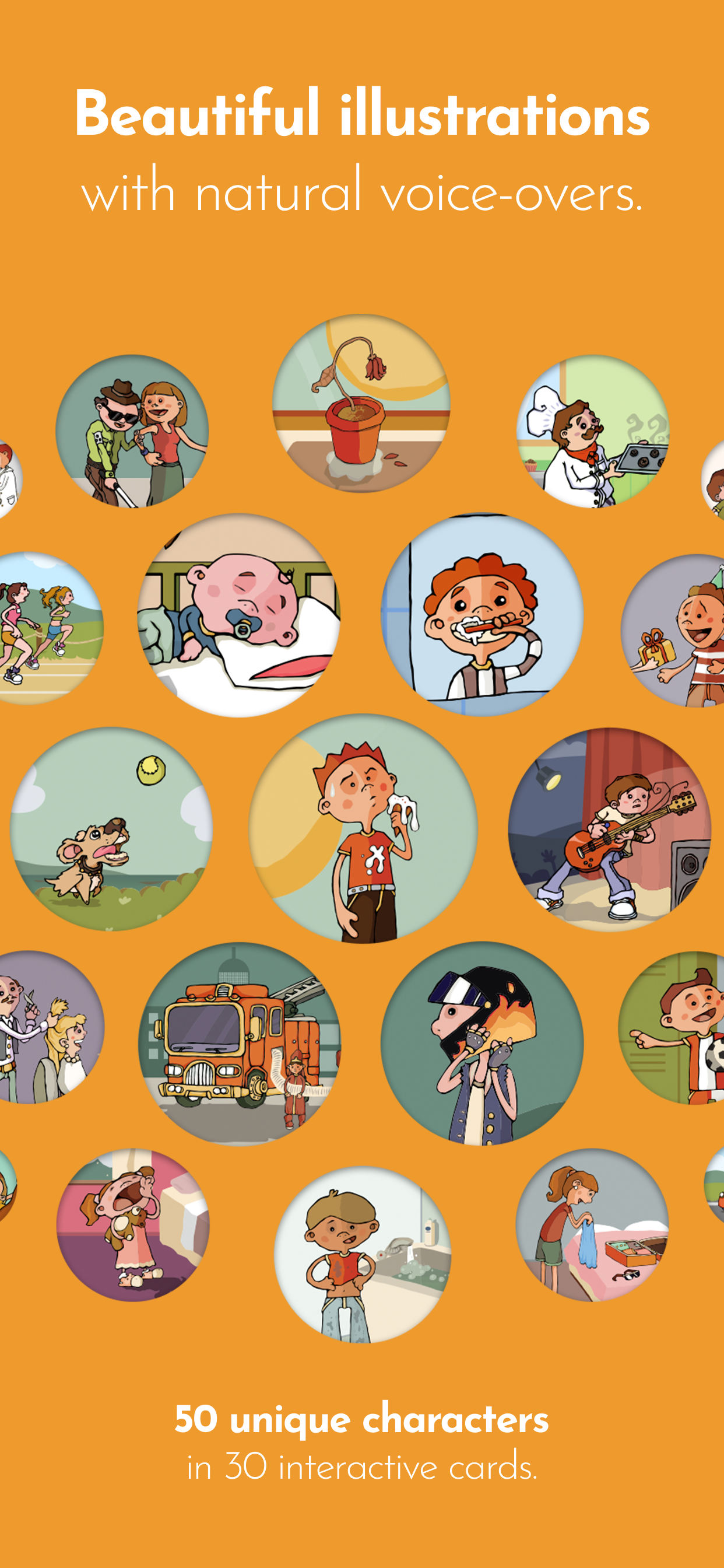
WH Questions: Why? helps children practice cause-and-effect reasoning through 30 illustrated scenarios. Each card presents a situation and asks "Why?" — encouraging children to observe, think, and explain.

The app was developed with speech and language therapists to ensure content is both educationally sound and appropriate for the target developmental range.

How It Works

1

Puzzle first

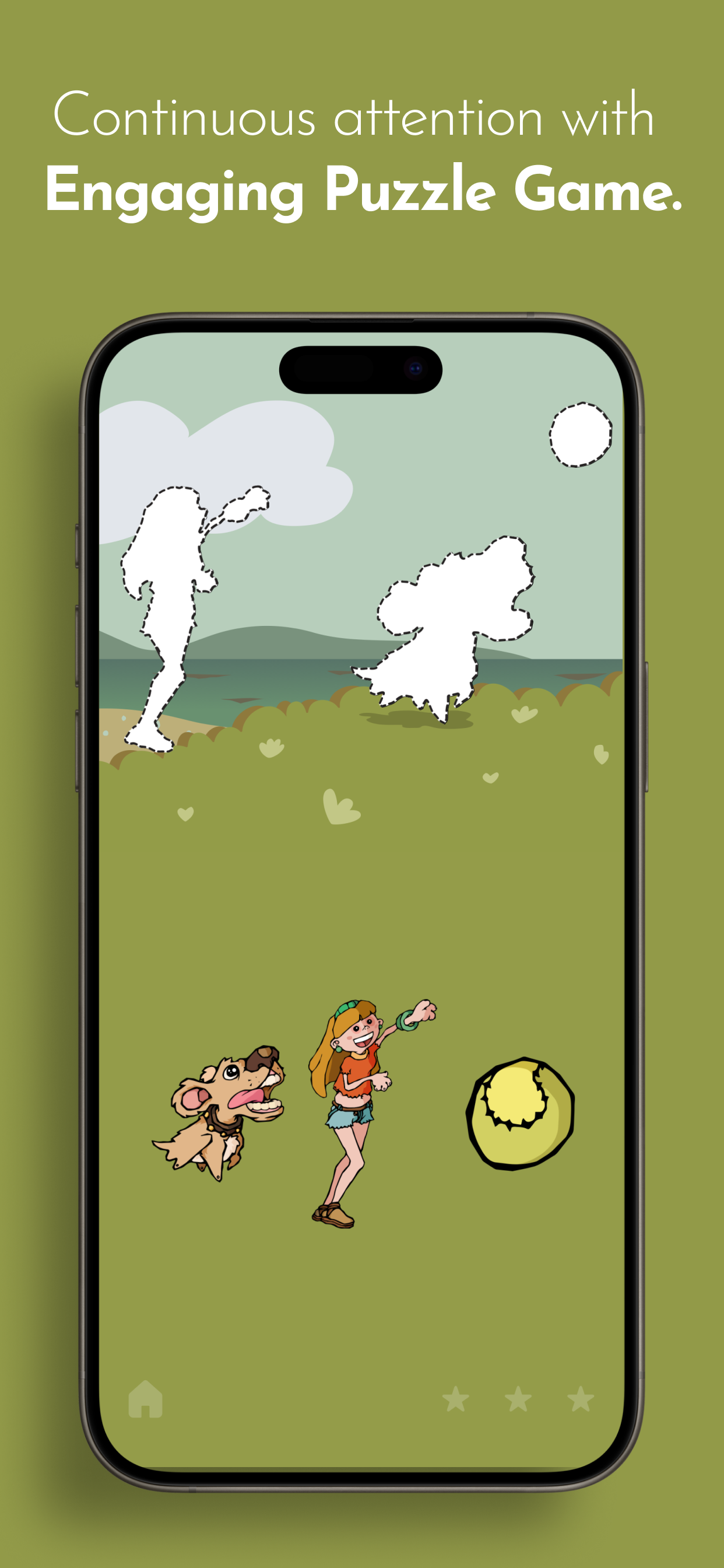
Each card begins as a jigsaw puzzle. As children assemble it, they become familiar with the scene — the people, objects, and situation.

2

Question

Once complete, a friendly voice asks a "why" question about the scene.

3

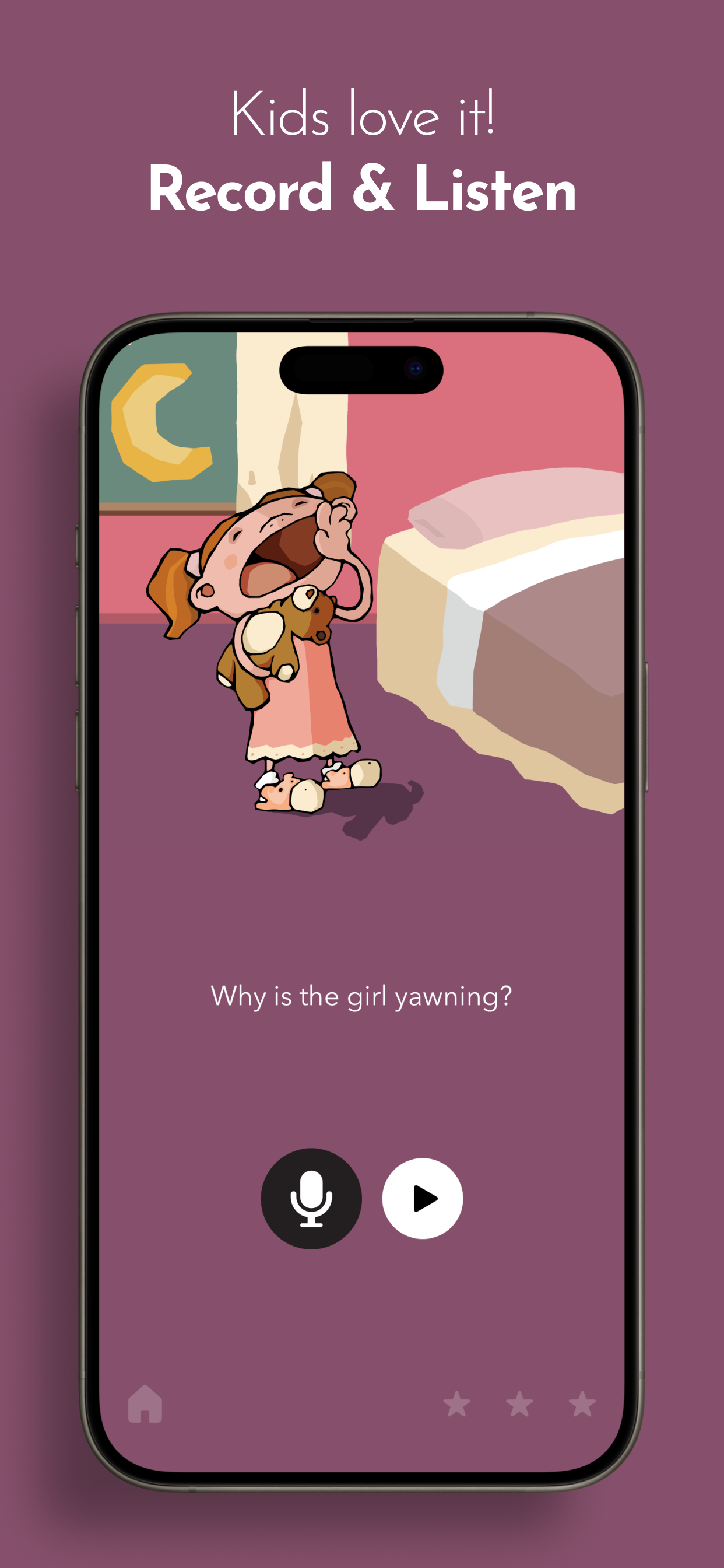
Record & Listen

Children record their answer, then listen to a model response. This lets them compare and hear what a complete answer sounds like.

4

Progress naturally

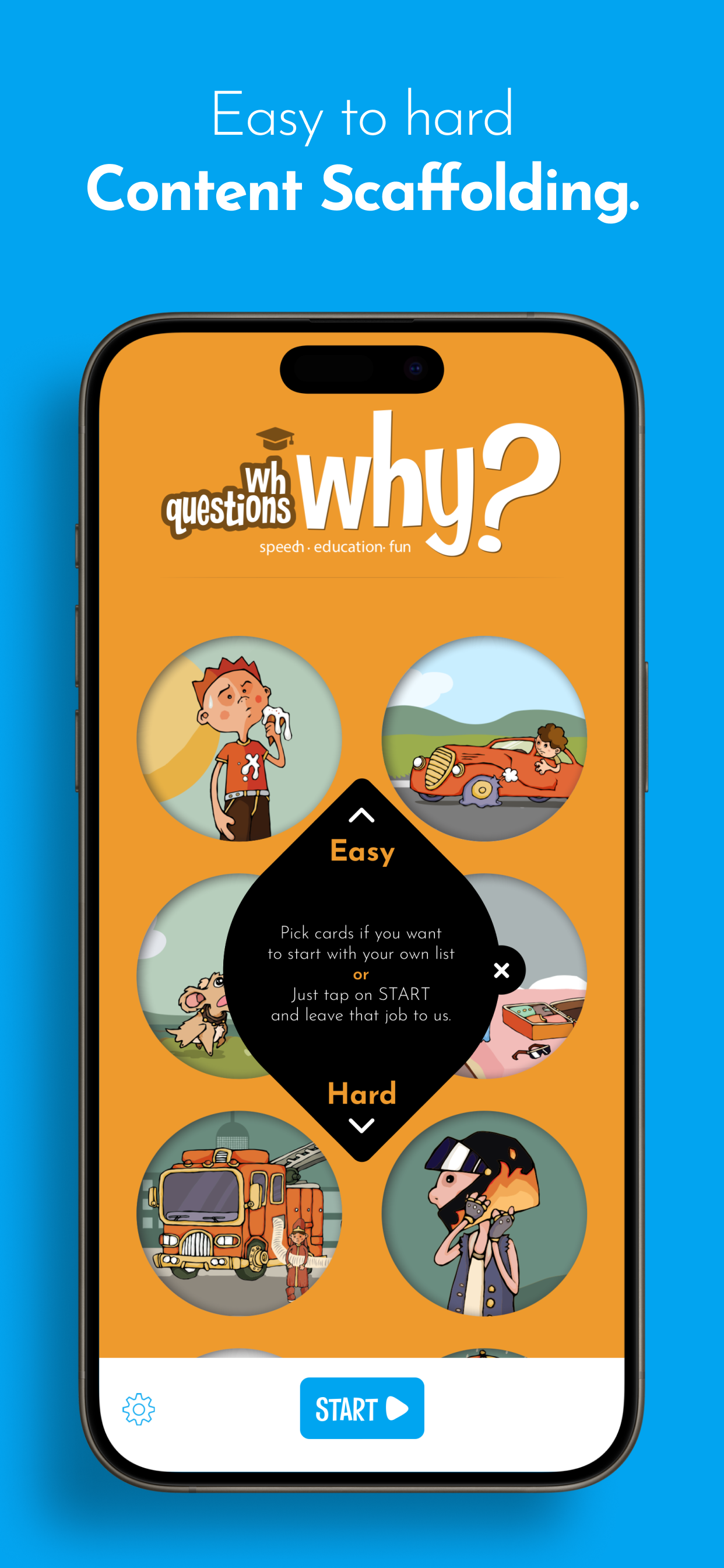
Cards are arranged from easier (visible causes) to harder (requires inference), allowing children to build skills gradually.

Features

30 illustrated cards — Carefully selected scenarios covering a range of everyday situations
Natural voice-overs — Professional recordings in a friendly, clear voice
Record & Listen — Built-in recorder lets children hear themselves and compare to the model answer
Jigsaw puzzle game — Keeps children engaged while building familiarity with each scene
Easy-to-hard progression — Cards ordered by difficulty, or select specific cards
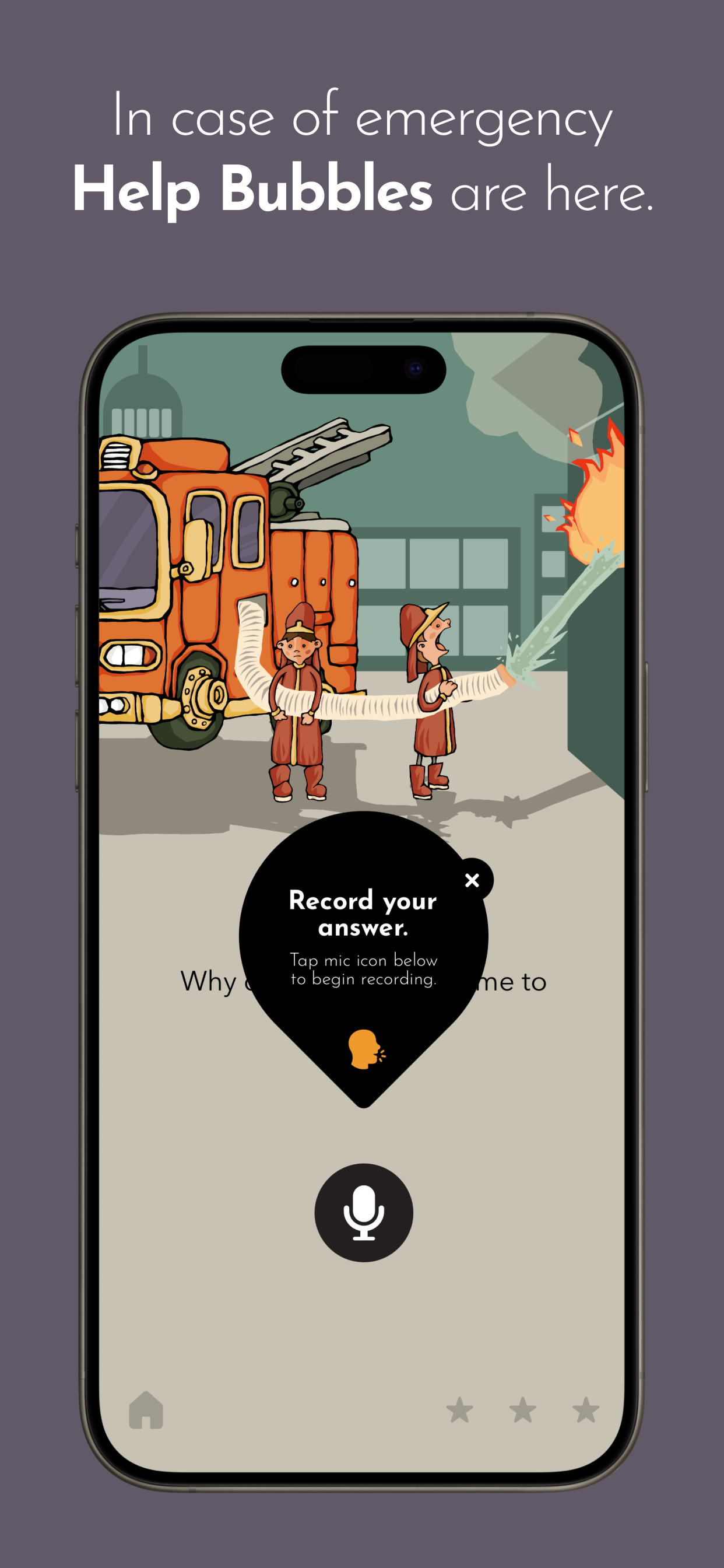
Helper bubbles — On-screen guidance helps children learn the app
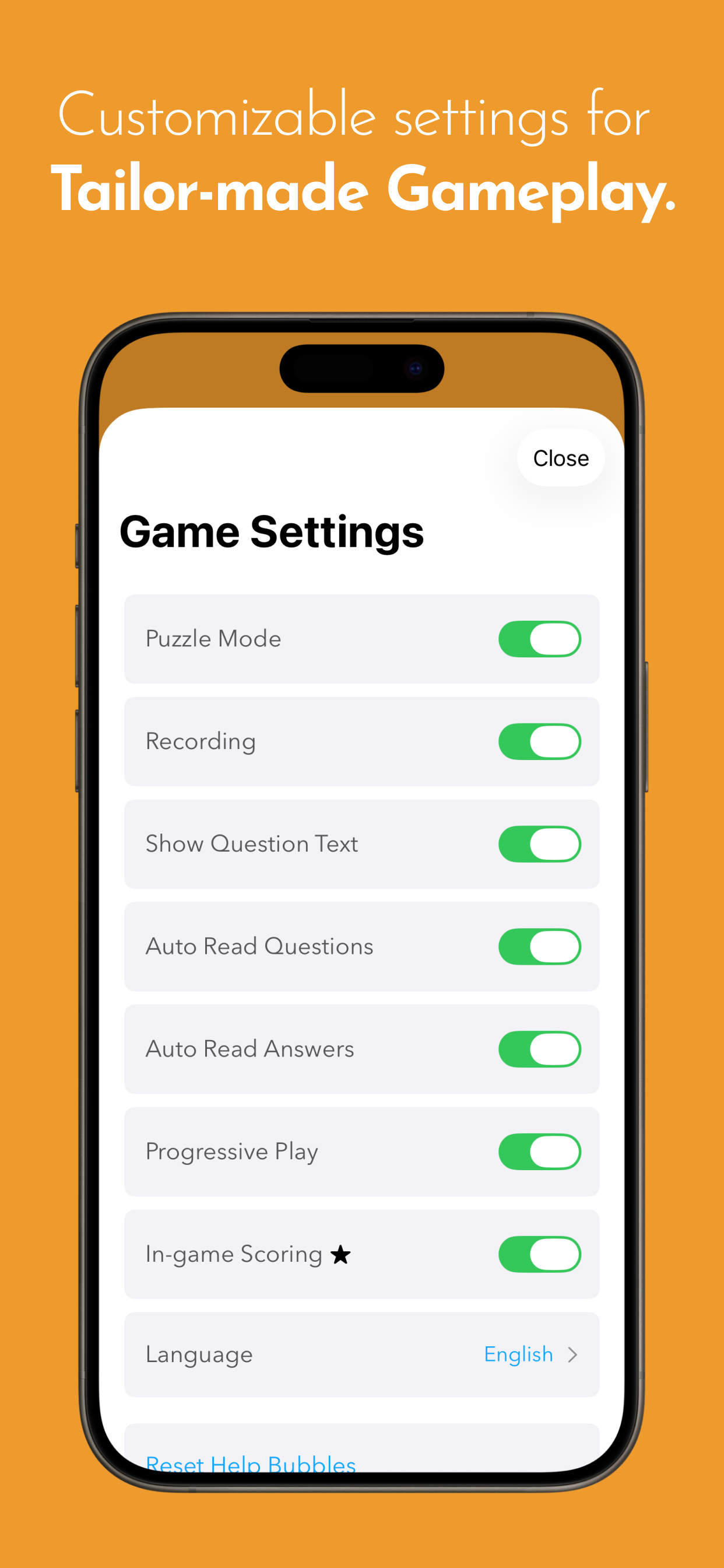
Customizable settings — Adjust puzzle mode, recording, auto-read features, and more
Multilingual — Available in English, Spanish, and Turkish

Who Is It For?

Typically developing children ages 3-8

who are learning to answer why questions as part of natural language development.

Children with special needs

(any age) who benefit from structured practice with visual supports. This includes children with language delays, autism spectrum disorders, hearing impairment, developmental delays, and learning disabilities.

Parents

looking for educational screen time that builds real skills.

Speech therapists

who want a supplementary tool for home practice.

Try Free, Unlock Full Content

Download the app for free to experience the quality and approach. If it's a good fit, unlock all 30 cards with a single in-app purchase. No subscriptions.

Download on the App Store

FAQ

General

What is WH Questions: Why?
WH Questions: Why? is an educational app designed to help children practice understanding and answering 'why' questions through interactive puzzles and illustrated scenarios. It's built for children ages 3-8 and those with special needs who benefit from structured language practice.
Who is this app for?
The app is designed for typically developing children ages 3-8, children with language delays, autism spectrum disorders, hearing impairment, developmental delays, or learning disabilities. It's also useful for parents seeking educational screen time and speech therapists looking for supplementary therapy tools.
What devices does the app work on?
WH Questions: Why? is available on iOS devices (iPhone and iPad) through the App Store. It's optimized for iPad for the best experience.
What languages are available?
The app is available in English, Spanish, and Turkish. All questions, answers, and voice recordings are professionally produced in each language.

Getting Started

Does my child need to know how to read?
No. The app includes an 'Auto-read Questions' setting that reads questions aloud automatically. Your child can use the app entirely through audio and visual support without any reading required.
How do I change the app language?
Go to Settings and select your preferred language (English, Spanish, or Turkish). The app will apply the change and all content will be in the selected language.
What do the difficulty levels mean?
Cards are arranged from easier (visible causes that children can directly see) to harder (requires inference and world knowledge). You can work through them in order or select specific cards to practice.
Can I select specific cards to practice?
Yes. While cards are arranged from easier to harder, you can tap any card to practice it directly. This is useful when focusing on specific scenarios or difficulty levels.

During Gameplay

How does the puzzle mechanic work?
Each of the 30 cards starts as a jigsaw puzzle. As children assemble the pieces, they become familiar with the scene — the characters, objects, and situation. Once complete, a friendly voice asks a 'why' question about what they see.
What is the Record & Listen feature?
After hearing a question, children can record their answer using the built-in microphone. They then hear their own response played back, followed by a model answer. This lets them compare and learn what a complete answer sounds like.
What are helper bubbles?
Helper bubbles are on-screen tips that guide children through using the app. They appear to explain buttons and features. You can reset them in Settings if you want to see them again.
Can my child play independently?
Yes! The app is designed so children can use it independently once they understand the basics. Auto-read features mean they don't need to tap to hear questions or answers.

Game Settings

What is Puzzle Mode?
When enabled, each card's image appears as a jigsaw puzzle the child assembles before hearing the question. This adds engagement and helps familiarize them with the scene. You can turn it off in Settings to go straight to questions.
What does 'Auto Read Questions' do?
This setting automatically plays the question audio when a card is shown, without requiring a tap. Useful for younger children or those who might not tap reliably.
What does 'Auto Read Answers' do?
This automatically plays the model answer after the child records their response (or after a pause). You can enable or disable this independently from auto-read questions.
Can I turn off the recording feature?
Yes. Go to Settings and toggle off the Recording feature. Children will still hear questions and model answers but won't be prompted to record.
How do I reset the tutorial bubbles?
Go to Settings and tap 'Reset Help Bubbles.' The tutorial tips will reappear during your next session.

Language & Audio

Are the voice recordings natural voices?
Yes. All voice recordings are professionally produced by native speakers in each language. We use natural, friendly voices that children respond well to.
Can I use the app without sound?
The app is designed around audio interaction, so sound is recommended. However, if you enable 'Show Question Text,' children who can read will see written questions on screen.

Purchases

Is there a free trial?
Yes. Download the app for free to experience the quality and approach. A limited number of cards are available free, and you can unlock all 30 cards with a single in-app purchase.
How much does the full version cost?
The full unlock is a one-time in-app purchase. Check the App Store for current pricing in your region. There are no subscriptions or recurring fees.
Are there any subscriptions?
No. WH Questions: Why? uses a one-time purchase model. Buy once and use forever — no subscriptions, no annual renewals.
Can I share the purchase with family members?
Yes. If you have Family Sharing set up through Apple, your purchase can be shared with other family members on their devices.
I purchased but cards are still locked. What do I do?
Try tapping 'Restore Purchases' in the app's purchase screen. If that doesn't work, ensure you're signed into the same Apple ID used for the original purchase. Contact us if the issue persists.
Can I get a refund?
Refunds are handled by Apple. You can request a refund through your purchase history at reportaproblem.apple.com or by contacting Apple Support.
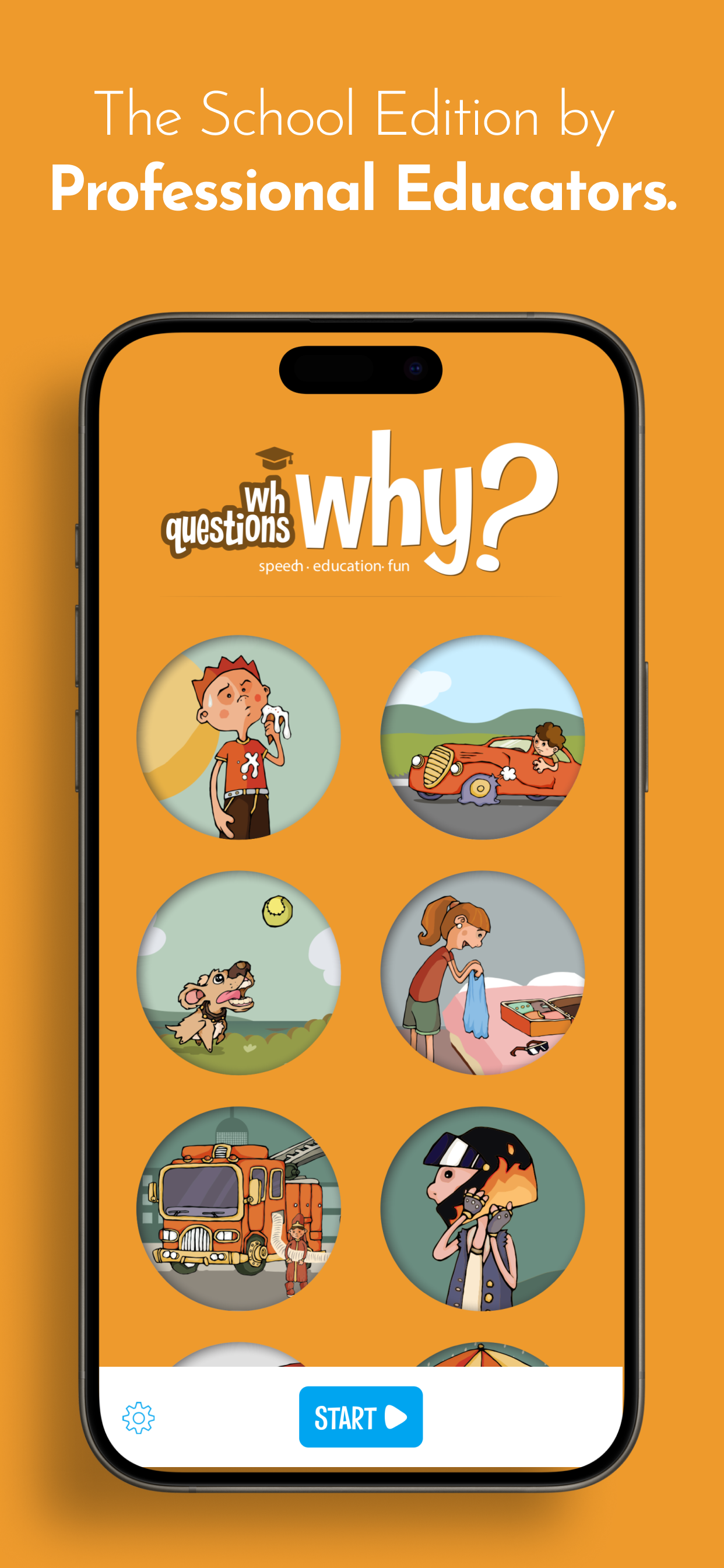
What's the difference between Standard and School Edition?
The Standard Edition is designed for home use with one child. The School Edition adds student profiles, progress tracking, discrete scoring, and iCloud sync — designed for teachers and therapists working with multiple students.

For Parents

Is this app safe for my child to use alone?
Yes. Your child can never access any external content within the app unless an adult unlocks Parental Gates. There are no ads, no external links, and no social features. You can confidently leave children with the app.
What will my child learn?
  • Cause-effect relationships
  • Purpose-result relationships
  • Receptive and expressive language skills
  • Action naming and describing situations
  • Answering questions appropriately
  • Making logical inferences
  • Reasoning and creative thinking using clues
How much time should my child spend on the app?
We recommend 10-15 minute sessions for younger children, up to 20-30 minutes for older children. Quality engagement matters more than duration. The app naturally provides stopping points between cards.

Features

How many cards are included?
The full app includes 30 illustrated scenario cards, each featuring a unique situation with a 'why' question. Cards progress from easier (visible causes) to harder (requires inference).
Can I ask other WH questions with this app?

Yes! While the app focuses on 'Why' questions, you can easily ask other WH questions about the same illustrations:

  • Who is in the picture?
  • What is happening?
  • Where is this taking place?
  • When might this happen?
  • How is this happening?

The rich illustrations support practice with all WH question types.

Are new cards or updates planned?
We continuously improve the app based on user feedback. Future updates may include additional cards, new features, or expanded WH question types. Updates are free for existing purchasers.
Can it be used for children with special needs?

Yes. The app can be used with children experiencing various conditions. Use the Settings to customize the experience according to your child's needs:

  • Language disorders (delayed language, specific language impairment)
  • Hearing impairment
  • Autism Spectrum Disorders
  • Intellectual disability
  • Developmental delay
  • Learning disabilities

Technical

The app is running slowly. What can I do?
Try closing other apps running in the background. If the issue persists, restart your device. The app works best with sufficient free storage space on your device.
Audio isn't playing. How do I fix this?
First, check that your device isn't on silent mode (check the side switch on iPad/iPhone). Also verify the volume is turned up. If using headphones, ensure they're properly connected.
The microphone isn't working for recording.
The app needs microphone permission to record. Go to your device's Settings → Privacy → Microphone and ensure WH Questions is enabled. If it's already enabled, try restarting the app.
How do I contact support?
You can reach us through the contact form on this page or through the 'Contact Us' option in the app's Settings. We respond to all inquiries and are happy to help.
Is my data private?
Yes. We never collect personal information without explicit permission. The app doesn't have accounts, doesn't track your child, and doesn't share any data with third parties. See our Privacy Policy for full details.
The app crashed. What should I do?
First, try restarting the app. If the problem continues, restart your device. Make sure you have the latest version of the app installed from the App Store. If crashes persist, please contact us with details about when the crash occurs.

Contact Us

You can write to us about any topic you wish.

For Educators

Working with multiple students? The School Edition includes student management, progress tracking, and discrete scoring designed for classroom and therapy settings.

Learn about the School Edition

Privacy Policy

Your privacy and your children's safety are our top priorities.

Information We Don't Collect

WH Questions: Why? never gathers personal information like your name, email address, phone number, age, or gender without your explicit permission. We believe in minimal data collection — if we don't need it, we don't ask for it.

Child Safety

Your child can never access any external content — written, visual, or auditory — within the app unless an adult unlocks Parental Gates. You can confidently leave children with the app alone. All content is professionally created, reviewed, and appropriate for young learners.

Anonymous Usage Data

The app may collect anonymous statistical information to help us improve the experience. This includes information about which cards are most selected, which features are used, and general usage patterns. This data cannot identify individual users and is used solely to make the app better.

Data Security

Any information you choose to provide (such as when contacting support) is secured with industry-standard encryption methods. We never share your information with third parties for marketing or advertising purposes.

School Edition Data

For the School Edition, student names and progress data are stored locally on your device and synced via your personal iCloud account. We do not have access to student data — it stays entirely within your Apple ecosystem.

Changes to This Policy

If we make significant changes to this privacy policy, we will notify users through the app or our website. We encourage you to review this policy periodically.

Contact Us

If you have questions about this privacy policy or our practices, please contact us through our Support page.

Last updated: January 2025